EventHelix.com: CASE Tools; Real-time and Embedded System Design; Object Oriented Design
  Home  |  EventStudio System Designer 4.0  |  VisualEther Protocol Analyzer 1.0  Real-time Mantra  Contact Us
Home > EventStudio System Designer

SIP Call Sequence Diagram

EventStudio System Designer 4.0
sequence diagram based systems engineering and design tool

EventStudio System Designer 4.0 is a sequence diagram based system design and object interaction modeling tool for the Windows platform.

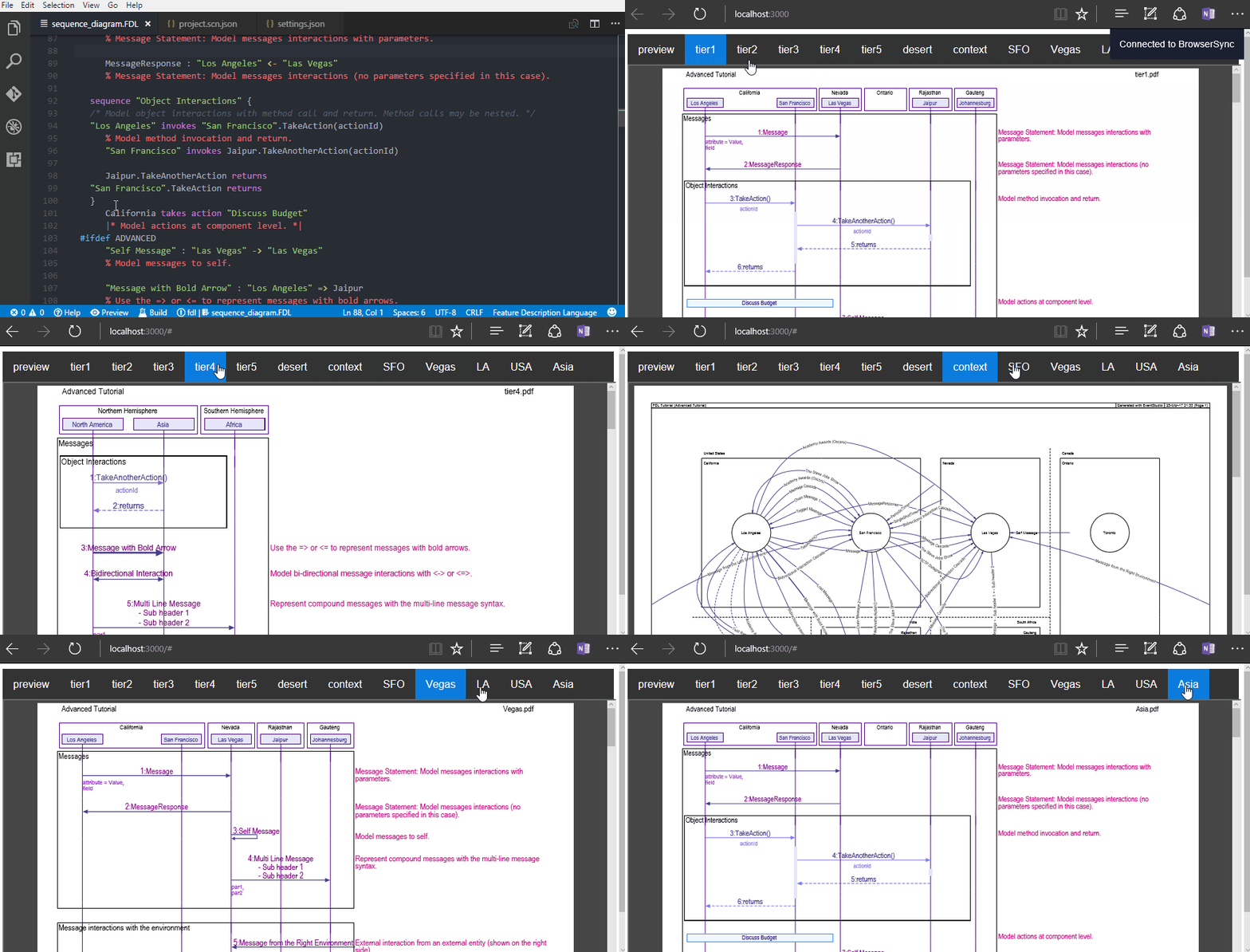
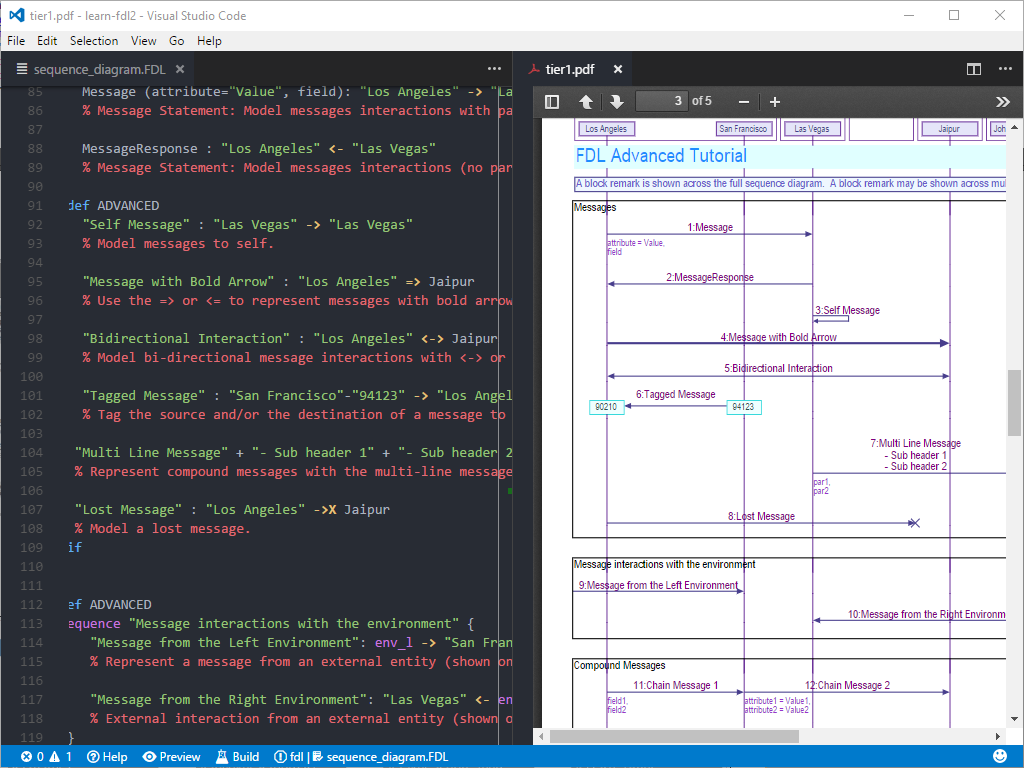
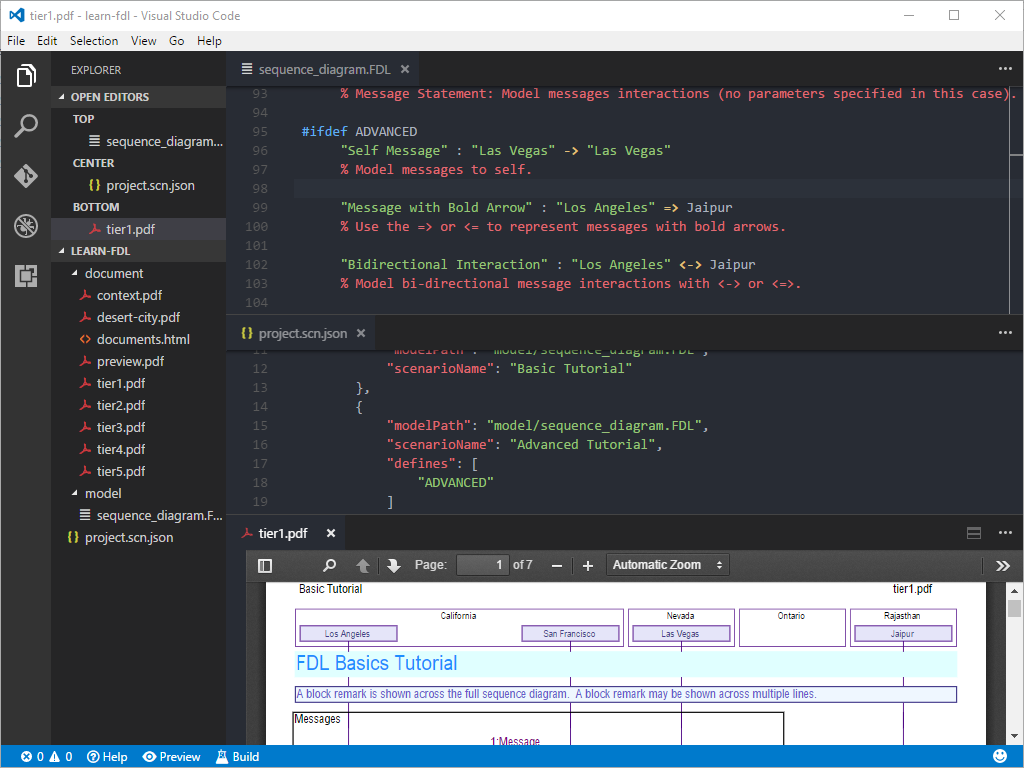
  • Model complex systems interactions in an easy to learn declarative modeling language. Model message interactions or object method invocations using the FDL modeling language (Click here to get a quick overview of FDL.tutorial pdf).
  • Model multiple scenarios of a feature by defining additional scenarios as differences from a base scenario.
  • Generate well formatted sequence diagrams suitable for a formal design document, a presentation or a poster. Control the layout, color and font in the sequence diagrams.
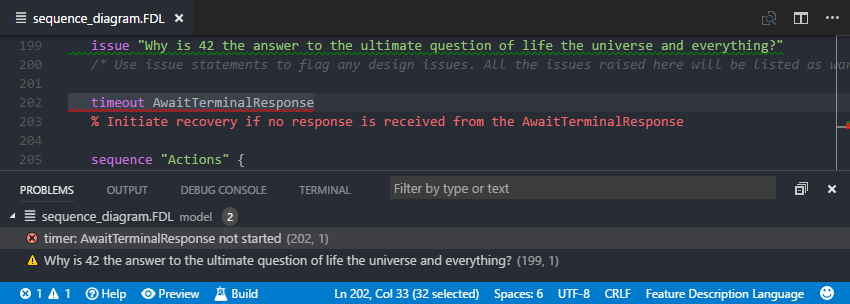
  • Catch system design errors like resource leaks and invalid timer operations in success and failure scenarios.
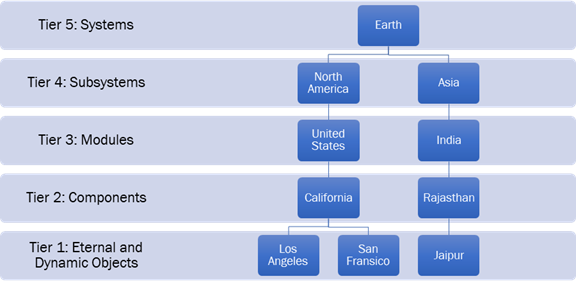
  • Modular decomposition of system entities helps in generating high level with varying level of detail. Generate a module level sequence diagram or a detailed object interaction diagram from the same model.

 Download Free Trial | Getting Started Tutorial pdf | What's New in 4.0 | Testimonials | Buy

EventStudio System Designer Applications

Download a 45 day free trial of  EventStudio.Download EventStudio
45 day free trial
Get started with EventStudio.Getting Started Tutorial pdf
Order EventStudio single, 10 or 40 license packs.Order EventStudio
Don't take our word for it. See what our customers have to say.Testimonials
Telecommunications System DesignMessage Sequence Charts and Call Flow Examples
Object Oriented Design Use Case and Sequence Diagram Examples
Real-time and Embedded System Design Embedded System Interaction Examples
TCP/IP Networking and Protocol DesignProtocol Message Flow Examples
Business Process Re-engineeringBusiness Process Workflow Examples
Aerospace and Military Systems EngineeringSystems Engineering Example
System Architecture DesignArchitecture Design Example

A New Approach to System Modeling

Man invented handwriting because hieroglyphics did not scale very well with the growing complexity of human thought. However, most modeling tools are trying to take us back to hieroglyphics. EventStudio takes a different approach:

Conventional Modeling ToolEventStudio System Designer 4.0
Draw the diagrams using clumsy graphical editors.Enter your specifications in a simple and intuitive text format (FDL). Automatically generate the diagrams. (Click here to get a quick overview of FDL.tutorial pdf)
Manually adjust the layout and formatting of the documents. Once printed, assemble the jig-saw-puzzle by taping together the loose sheets.EventStudio automatically takes care of layout and page level formatting. Larger diagrams are automatically scaled to standard paper sizes.
Output looks good only for simple “demo” examples. Real world complex diagrams are cluttered and unintelligible.EventStudio generates neat, legible and well organized diagrams even in most demanding and complex designs.
Learn the quirks of a separate editor for every supported diagram type.With a single input file, you can generate a wide variety of documents.
Draw a separate diagram for every success and failure scenario.EventStudio automatically generates documents for success and failure scenarios.

GSM Call Flow DiagramGenerate Sequence Diagrams

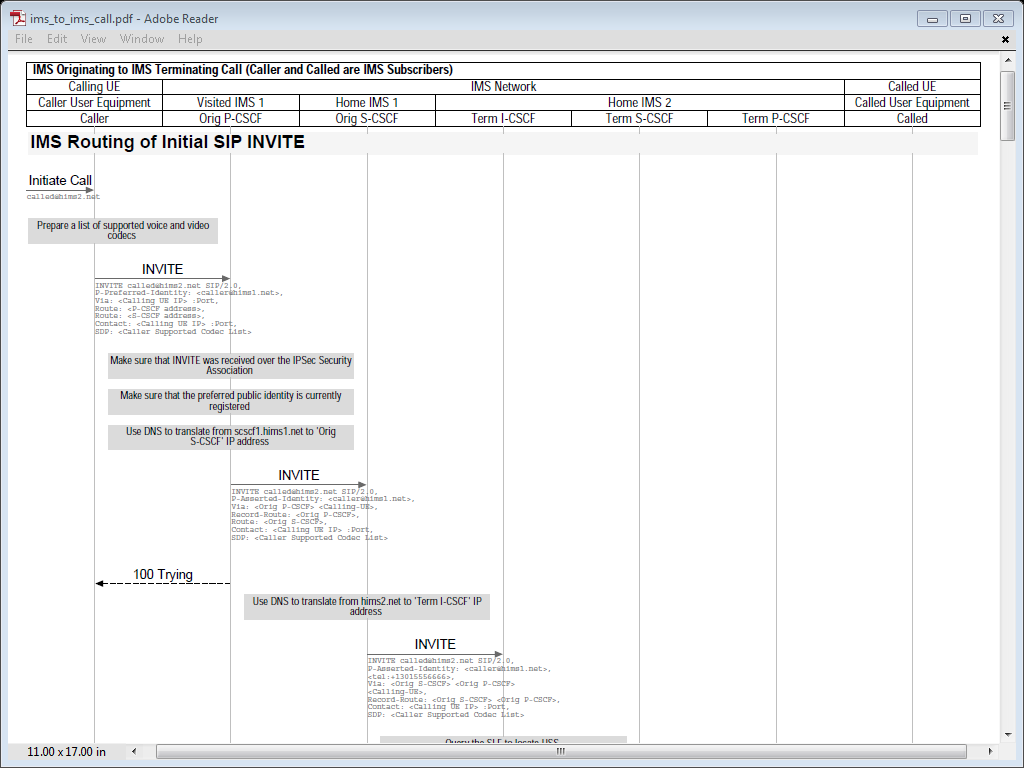
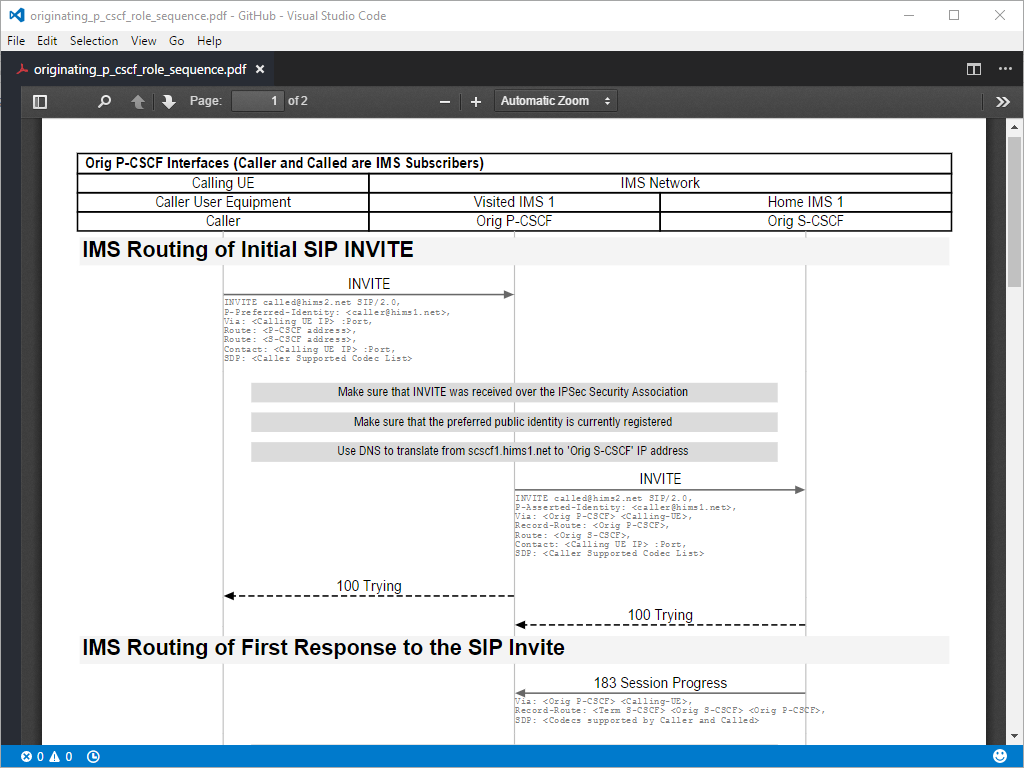
  • Sequence Diagrams are very effective in modeling complex sequences of interactions between entities.
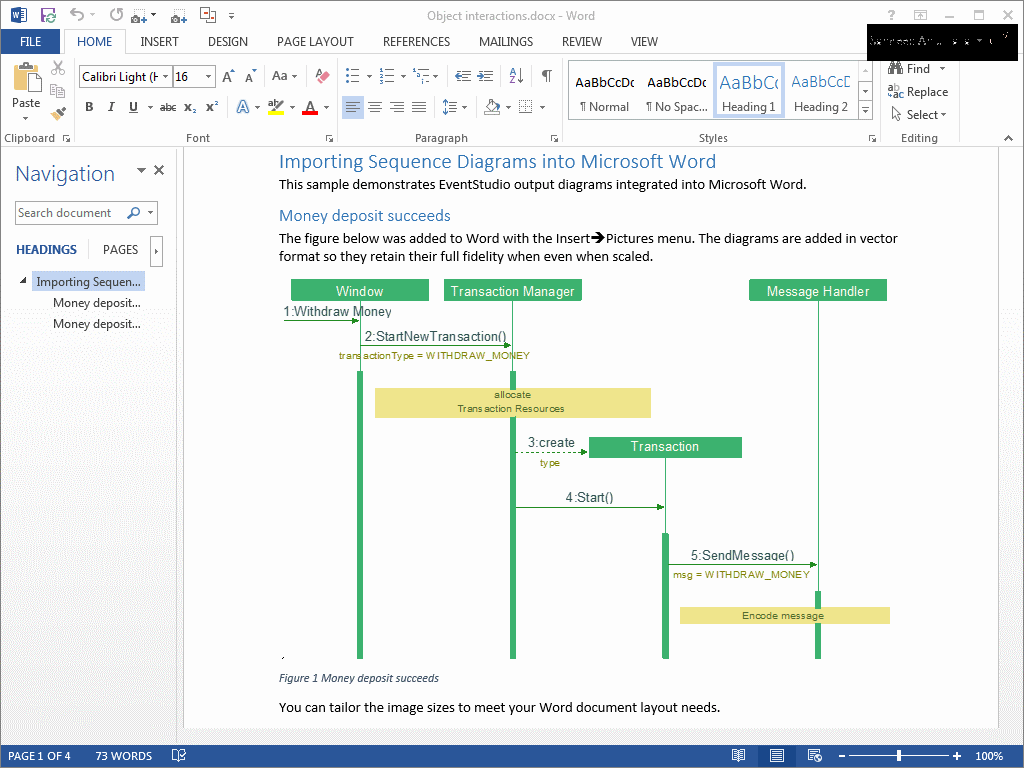
    sequence diagram example (PDF), sequence diagram example (Word)
  • The system architecture is captured in the document header by classifying the entities as modules, processors and objects.
  • Messages between objects are represented as horizontal arrows. Time flow is represented by vertical axis.
  • In-line remarks are printed on the right side. Block remarks are printed along the width of the document.
  • Control the level of detail in each sequence diagram. You can enable or disable the printing of message parameters, actions, state changes, timers, resource operations and block remarks.
  • Sequence diagrams are generated in Adobe PDF and Microsoft Word Picture formats.
Collaboration Diagram

Generate Collaboration Diagrams

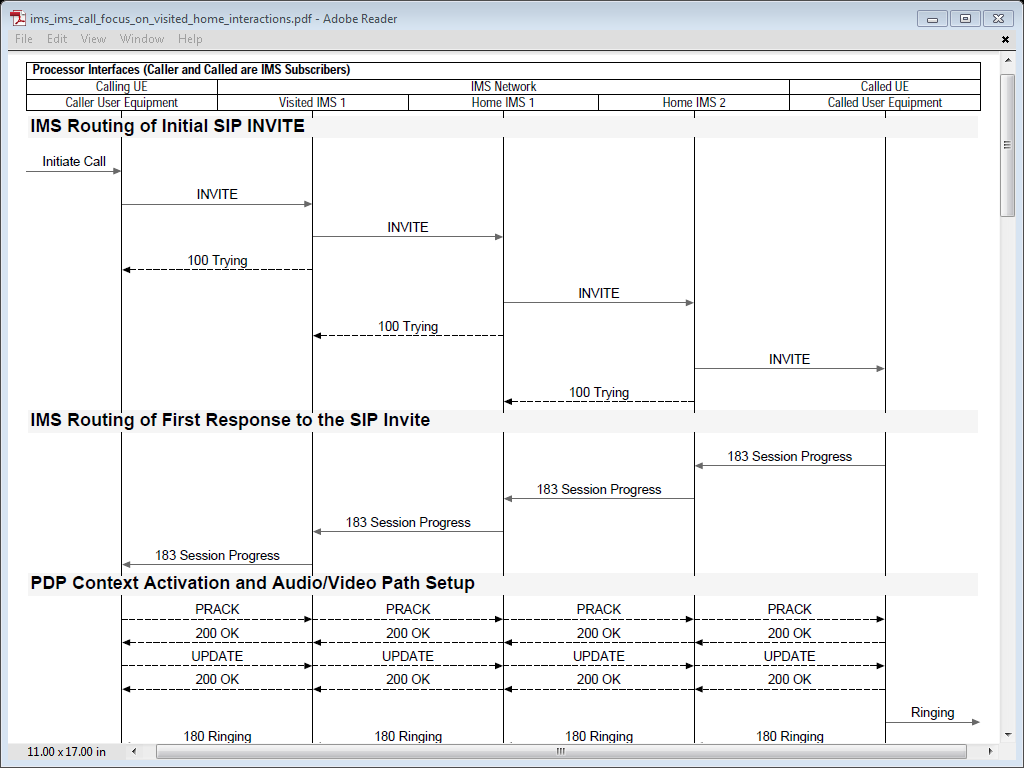
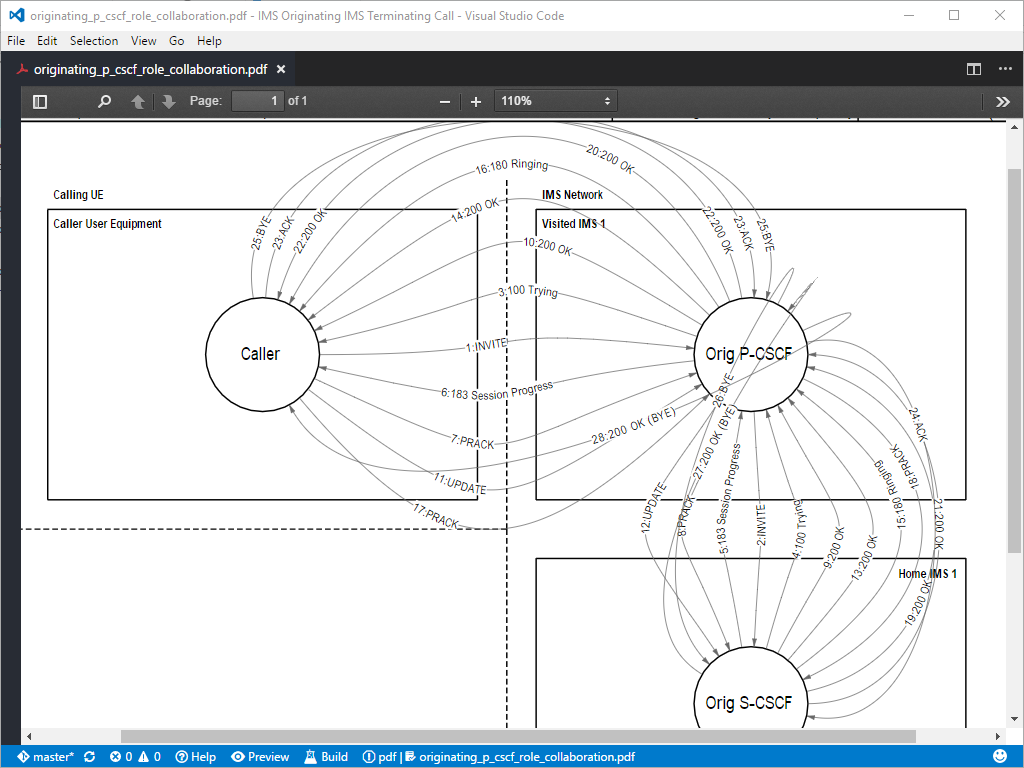
  • Collaboration diagrams provide a birds-eye-view of the complete feature. The time dimension is deemphasized, thus providing an overview of the entire feature.
    context diagram example (PDF), collaboration diagram example (Word)
  • The system is automatically arranged as modules, processors and objects.
  • Message interactions are represented as numbered arrows.
  • Context diagrams can be generated. These diagrams just focus on the interfaces between different entities in the system.
  • Collaboration diagrams are generated in Adobe PDF and Microsoft Word Picture formats.
 

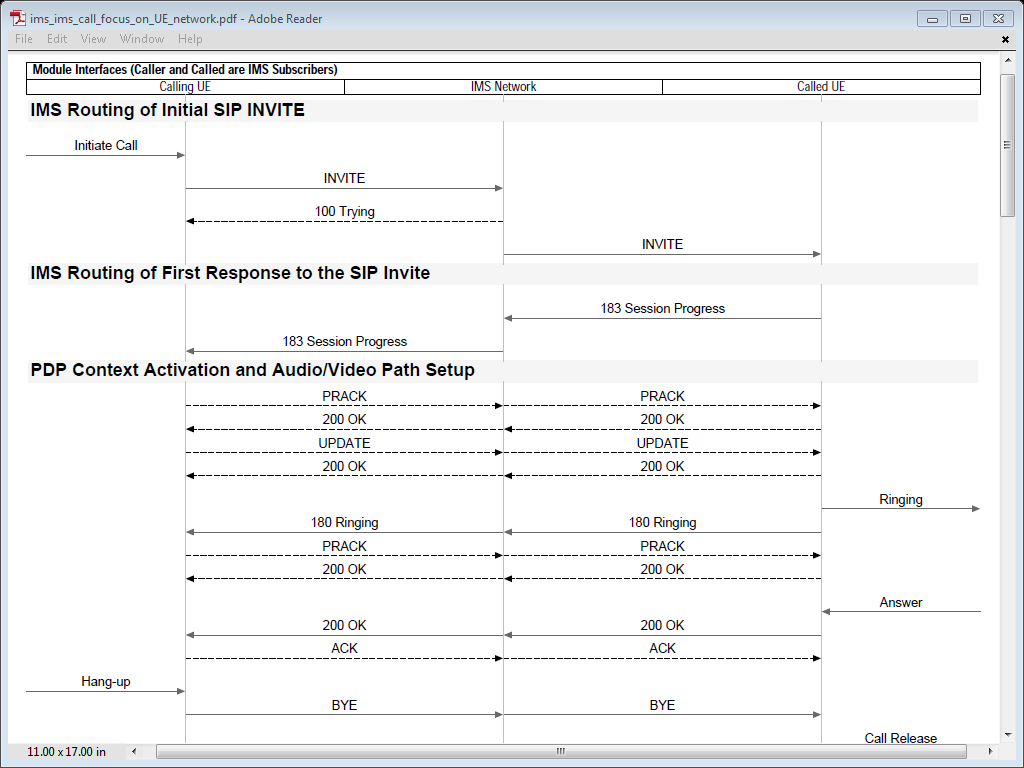
Module Interaction Sequence DiagramGenerate a Wide Variety of Documents

EventStudio’s document generation capabilities go way beyond sequence diagrams and collaboration diagrams. Here are a few examples. Keep in mind that these documents will cover all the defined success and failure scenarios:

  • Generate an interface diagram that only includes interactions that involve a specific module, processor or object.
  • Generate an interaction diagram that includes only inter-module messages. Intra module interactions will be excluded from the document.
  • Generate a document using powerful regular expression filters. For example a regular expression of “{Request}|{Response}” will generate a document that only includes messages that contain the string “Request” or “Response” in the message name.
  • Generate a unit test procedures document for any object in your system.
  • Generate an object-wise summary of all the message interactions.
 
Download a 45 day free trial of  EventStudio.Download EventStudio
45 day free trial
Get started with EventStudio.Getting Started Tutorial pdf
Order EventStudio single, 10 or 40 license packs.Order EventStudio
What's New in 4.0
Don't take our word for it. See what our customers have to say.Testimonials

Document Multiple Scenarios

Designers often generate use cases and sequence diagrams only for the basic scenarios. A large number of scenarios are simply left out as managing and maintaining documentation for that many cases is not practical. EventStudio addresses this problem with built in support for multiple scenarios:

  • Automatically generate documents for all success and failure scenarios.
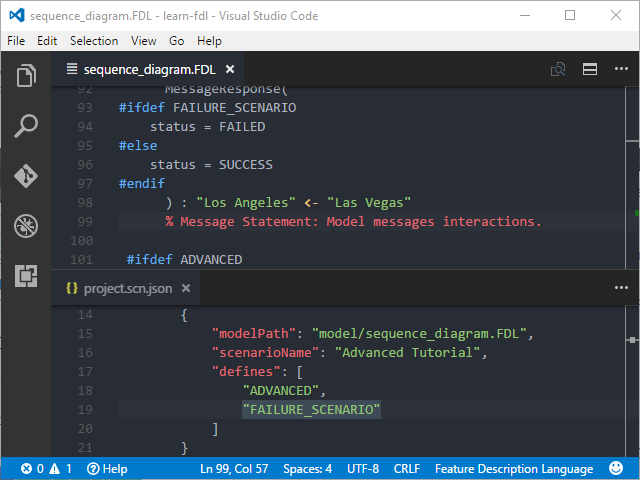
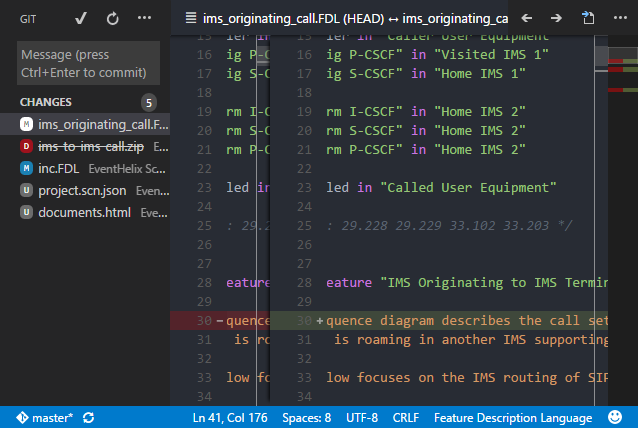
  • When designing multiple scenarios, you just need to provide details on how the new scenarios differs from the base scenario. Common parts shared in different scenarios need to be defined only once.
  • “Case-leg” and “if-else” statements in FDL directly support multiple scenario definition
module : internet, user
processor : server in intern
eternal : http in server, pc
feature “Browsing”
   get(url): pc -> http
  
(* User clicks on a link
  
case
     leg
“URL found”:
       
http_data : server -
       
(* Server sends HTTP
     leg
“URL Not Found”:
       
http_not_found: serv
       
(* Web page not foun
   endcase
endfeature

multiple scenarios represented in FDL

Feature Description Language (FDL)

EventStudio supports FDL, a powerful system design language (Click here to get a quick overview of FDL. tutorial pdf). With FDL you can:

  • Specify the system architecture in terms of module, processor and objects.
  • Show internal as well as external message interactions with detailed parameter specification.
  • Specify multicast and broadcast operations.
  • Model timer start, stop, restart and expiry.
  • Model resource allocation and freeing.
  • Dynamically create and delete objects.
  • Define multiple scenarios without repeating the common parts.
  • Represent state transitions.
  • Model single step and multi-step object actions (e.g. dial-tone start and stop).
  • Specify inline and block remarks to document the design.
  • Get full control over the rendered color and font using styles and themes.
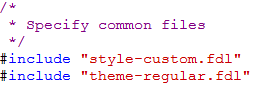
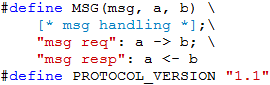
  • Share common parts of the design by defining include files and macros.
  • Maintain multiple variations of a design using conditional "compilation".
Automatic design review results

Automate System Design Reviews

EventStudio catches design errors that would have been completely missed in the design stage. All the scenarios in a scenario project are reviewed to catch errors like:

  • Timer started but not stopped (e.g. retry timer is not stopped, even after receiving the acknowledgement)
  • Resource allocated but not freed (e.g. tone generator allocated, but not freed when exiting signaling phase)
  • Action started but not finished (e.g. dial-tone feeding started but not finished when a digit is received)
  • Object deletion without cleanup (e.g. a call object is deleted but timeslot resources are not freed)
 

Explore More

Sequence diagram tutorial
Getting Started - Sequence Diagram Tutorial

Download a 45 day free trial of  EventStudio.Download EventStudio
45 day free trial
Get started with EventStudio.Getting Started Tutorial pdf
Order EventStudio single, 10 or 40 license packs.Order EventStudio
Don't take our word for it. See what our customers have to say.Testimonials

   Home  |  EventStudio System Designer 4.0  |  VisualEther Protocol Analyzer 1.0  Real-time Mantra  Contact Us
Copyright © 2000-2009 EventHelix.com Inc. All Rights Reserved.